
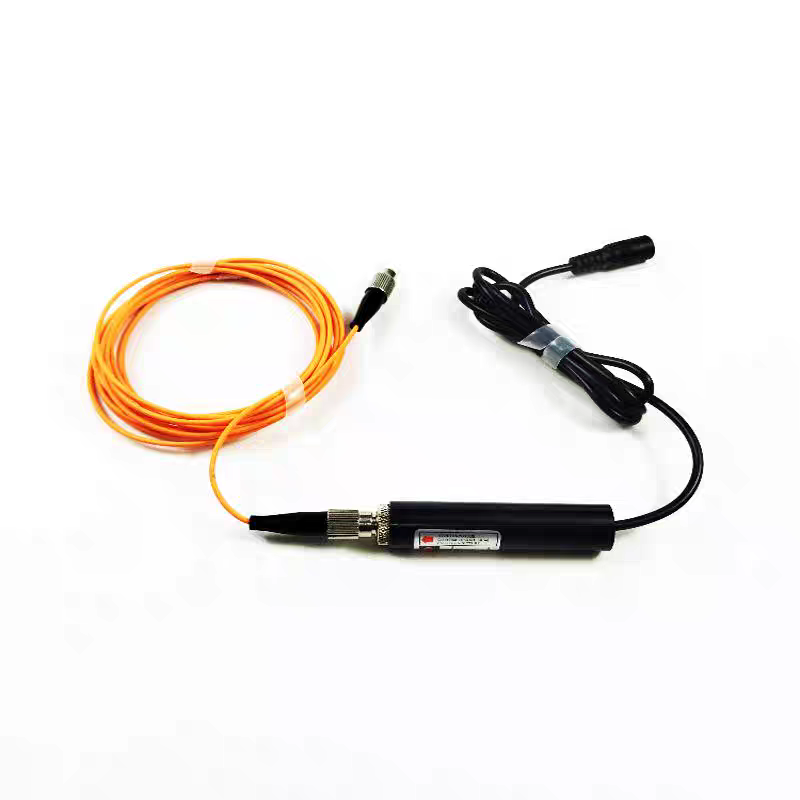
Fiber-coupled lasers stand out for their practicality, thanks to the core optical fiber component. Its flexible nature lets the laser emitter move freely, making the device much easier to operate. Beyond flexibility, the optical fiber also shapes the laser beam—boosting mode quality to achieve a Gaussian distribution—and combines multiple laser beams to enhance overall power. Whether for industrial applications or specialized projects, these advantages make fiber-coupled lasers a reliable choice.
Usage Precautions for Fiber-Coupled Lasers
- Mind Equipment Placement and Angle Pay close attention to how you position and angle the device during use. Placement height and orientation vary by application and environment, directly affecting operational performance. Optimal placement often requires precise judgment from experienced operators.
- Protect the Transmission Cable Fiber-coupled lasers typically have two main components connected by a thin intermediate cable. To avoid tension or damage, place both components at the same height—this prevents pulling forces that could break the delicate cable.
- Follow Control Button Rotation Directions Even cost-effective models have control buttons with specific rotation directions that impact normal operation. While instructions are clearly labeled on the device, always read them carefully before turning on the laser.
Maintenance Tips to Extend Laser Lifespan
- Power Off Promptly After Use The simplest way to protect your laser is to shut it down immediately after use. Leaving it powered on keeps internal components active, which shortens their lifespan. Before powering up, confirm voltage and current match the laser’s requirements (3-5V DC). Ensure correct wiring—red for positive, black for negative—and use a stable AC/DC converter (free of spikes, surges, and with good temperature stability).
- Maintain a Dry Operating Environment Fiber-coupled lasers (even budget-friendly ones) require a dry environment to function optimally. Adhere to specifications: keep temperature below 50°C and humidity under 90%. Always inspect the surrounding area before operation to avoid moisture-related issues.
- Clean Surface Dust Regularly Dust accumulates on the laser during use. If left unaddressed, it can clog surfaces or seep into internal parts, causing malfunctions. Regular surface cleaning ensures consistent reliability.
- Follow Installation & Handling Rules Ground the machine properly during installation. Ensure good thermal contact between the laser module housing and the machine to keep operating temperatures low. Never pierce the housing with sharp objects—use nylon-tipped set screws for adjustments to prevent electrostatic damage to the laser tube.
Critical Safety Reminder
Never direct the laser beam toward your own or others’ eyes—even when powered off, accidental activation is possible. Lasers are not toys: keep them away from children, individuals with intellectual disabilities, and anyone unfamiliar with laser safety to avoid serious injury.